Design your own patch
Design your own patch with an online patch maker
Design your own patch, create your own patch, or make your own patch in the Animoon designer. Create embroidered, PVC or velcro artwork, even design your own embroidered patch from a logo, then add production when you are ready.
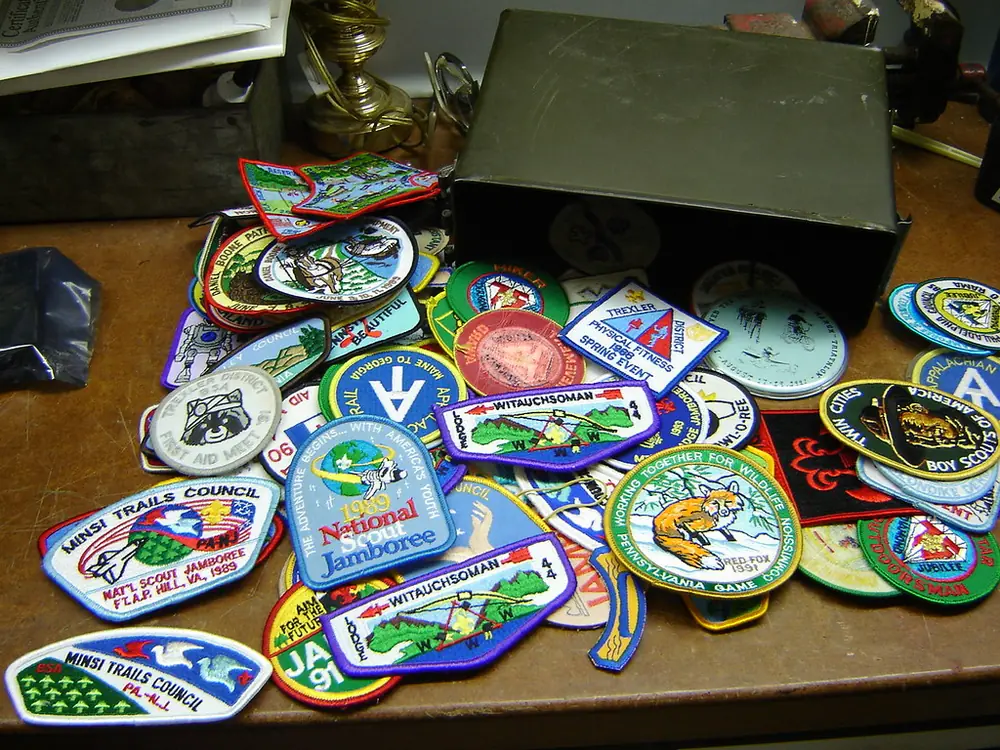
Do it yourself
Create your own patch, in minutes
Design a patch, create your own patch, or make your own patch: it is the same flow. Create custom patches from a logo or from scratch, preview the embroidered, PVC or velcro artwork, then decide whether you want production.
- Start from a blank or a template
- Live preview at real size
- Save, share or download the design
- Production is optional, after a proof
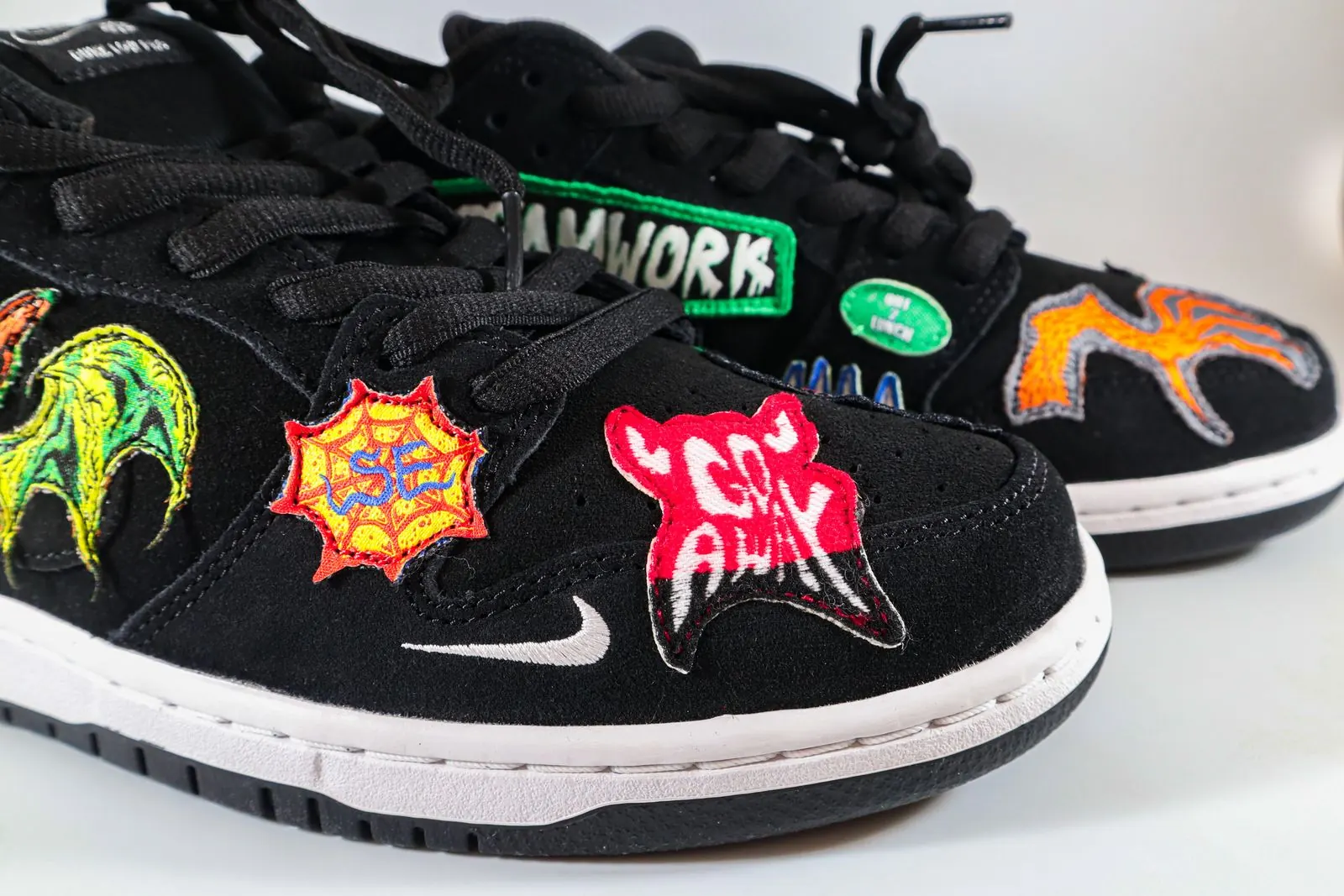
Four steps
How to make patches: design your own patch in four steps
- 1
Open the designer
Start from a blank or a template.
- 2
Build the art
Shape, colours, text, border and backing.
- 3
Preview
See a live proof of the design before anything is made.
- 4
Optional production
Add stitching and shipping only if you want the patches made.
FAQ
Design your own patch questions
Open the designer, pick a type and shape, set colours and text, and preview the artwork. You can also start from a template.
Yes. Design your own patch, create your own patch and make your own patch all start in the same tool.
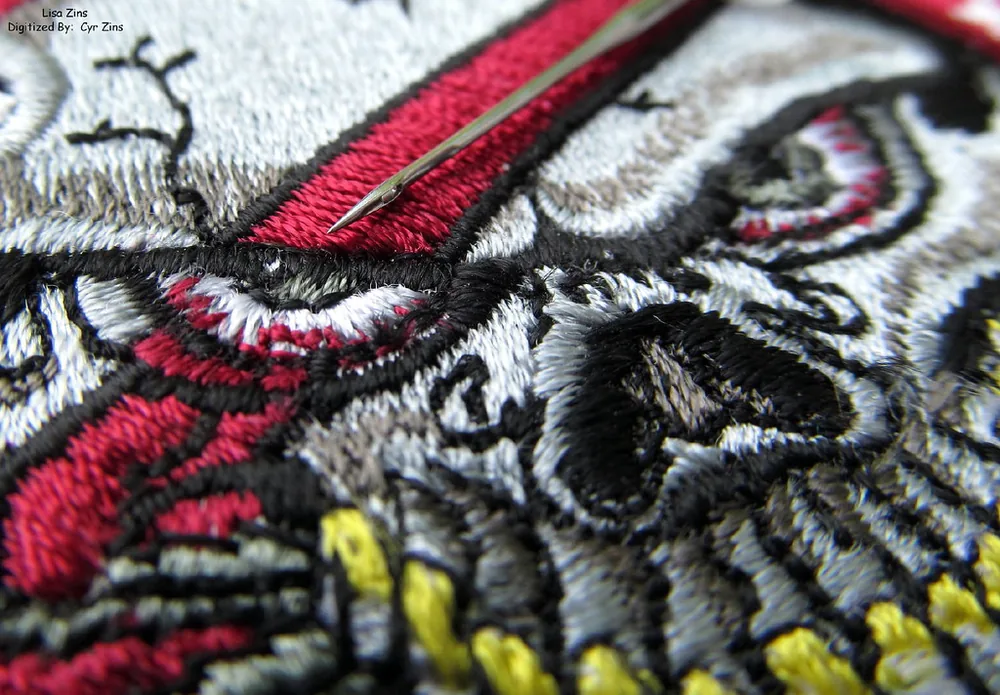
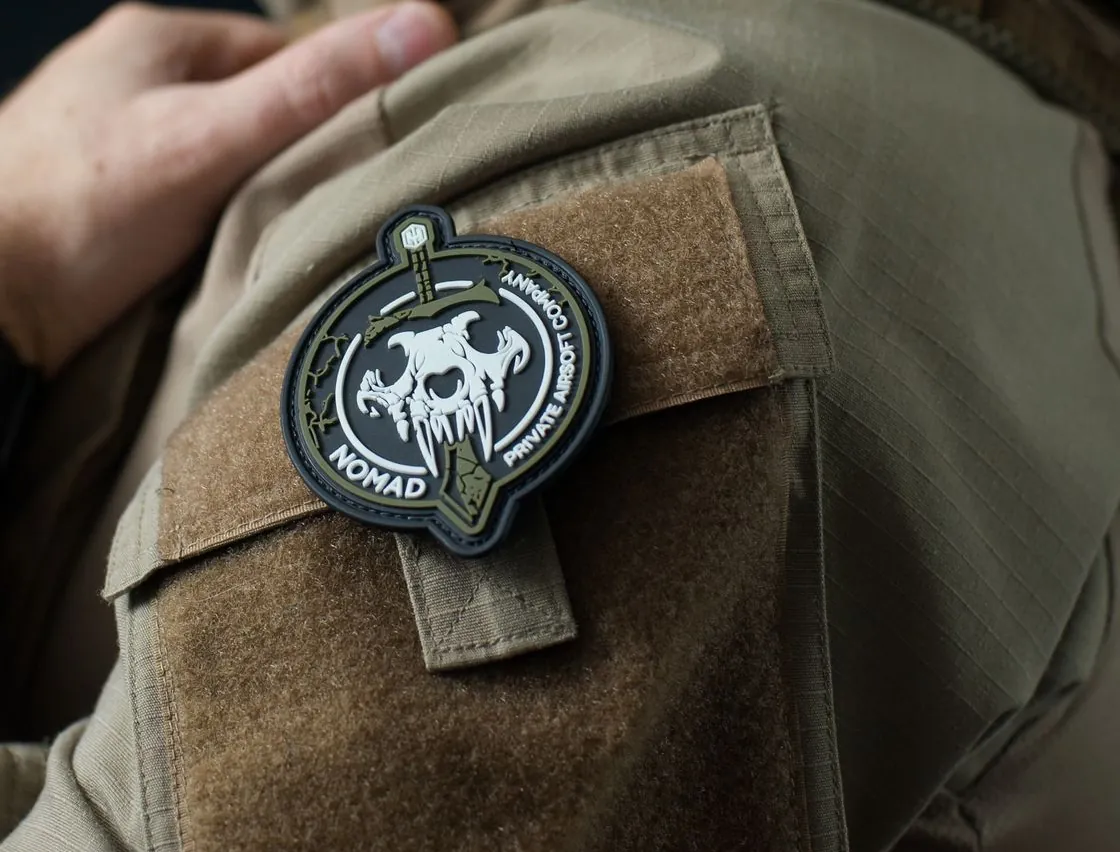
Yes. Choose embroidered as the type, then set thread colours, a merrowed or heat-cut edge, and a backing if you later add production.
Yes. Send a brief and we will design the patch for you on the custom patch design page.
Making patches starts with the design: shape, size, colours, text and border. In Animoon you make your own patch design in the browser, preview it, then add production only if you want it stitched. You do not need an embroidery machine or design software.
Start from a template in the designer, change the text and thread colours, and check the live preview. To build your own patch from a logo, upload the file and place it inside the patch shape.
Design your own patch, or we will design it for you.
Sign up to use the patch designer, or send a sketch to our team. Stitching and production stay optional, after you approve the artwork.